
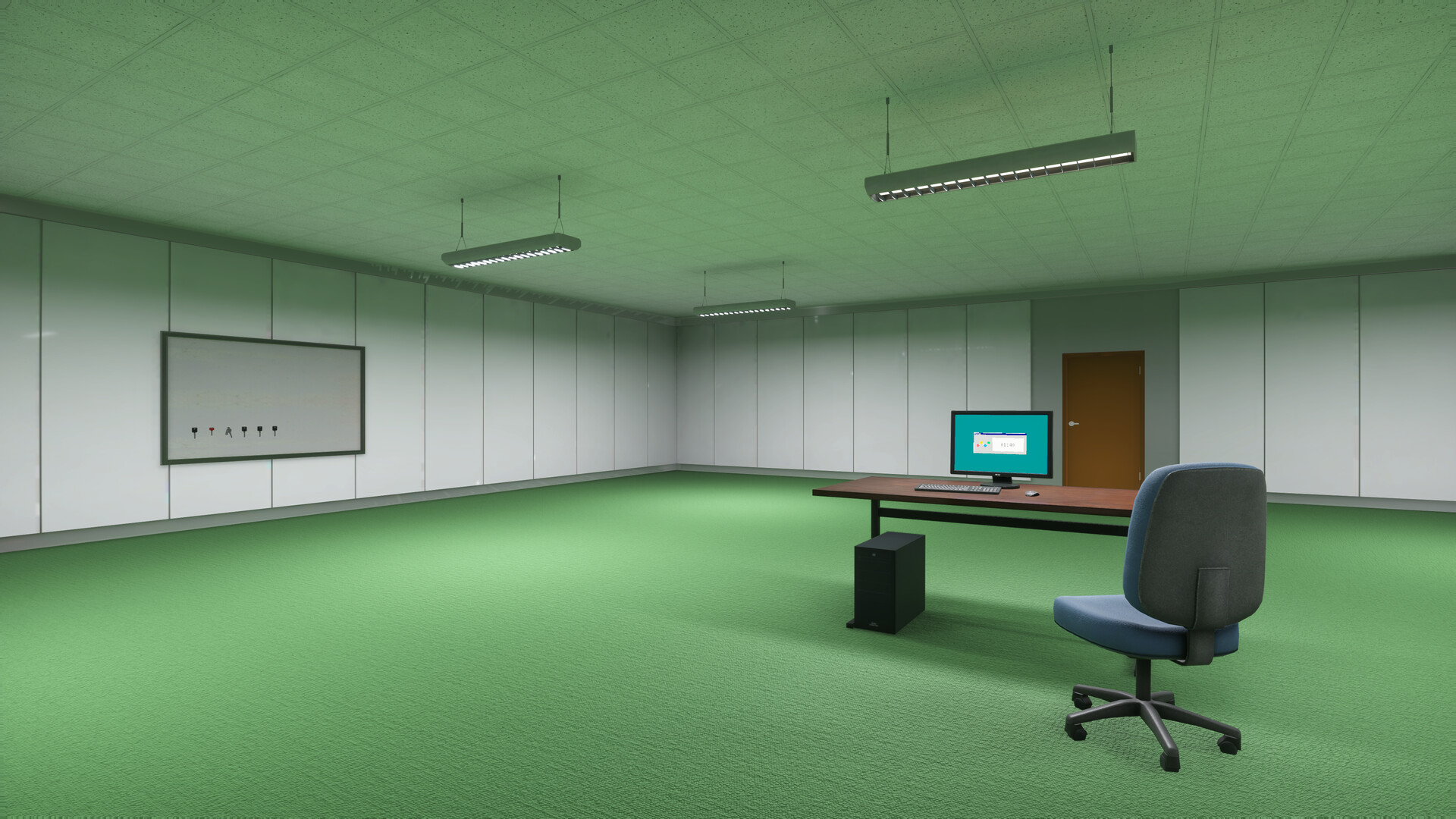
Downloading the Playrooms demo takes a few minutes and costs nothing. This guide walks through the safe path — straight through Steam — plus the platform facts you should know before installing, because Playrooms by Two Pixels UG is a Windows game with specific language support.
Step-by-Step: The Safe Way to Get the Demo
- Open the official store page. Go to the Playrooms page on Steam (app 5037510). This is the only official source.
- Find the demo panel. On the store page, look for the demo section — Steam marks the game with a Download Demo button where a free trial is offered.
- Sign in to Steam. You need a free Steam account. If you do not have one, create it at steampowered.com first.
- Download and install. Click the demo download button; the Steam client handles the rest, including the install once the download finishes.
- Launch from your library. The demo appears in your Steam library like any other title — press Play.
If the button is missing, make sure you are looking at the game’s store page rather than a news article or search result, and that your Steam client is up to date.
Before You Install: the Official Platform Facts
| Requirement | Detail |
|---|---|
| Platform | Windows PC via Steam |
| Account | Free Steam account |
| Cost | Free — no pre-order or purchase needed |
| Languages | English and German (interface, audio, subtitles) |
| Full game | Sold separately later — Coming Soon, price unannounced |
| Detailed system requirements | Not published yet — check the store page before install |
Note that last row honestly: detailed system requirements had not been published on the store page as of November 2, 2026. The store page will list them when they go up, and that is the place to verify your machine before the download.
Only Trust the Official Source
The demo is free, which makes pirated re-uploads pointless — yet they exist. Downloading from any site other than Steam risks tampered installers and malware, and no third-party mirror is faster than the free official one. Bookmark the official page and ignore everything else. If a site asks for payment for a free demo, close the tab.
What You Get After Installing
The demo covers the core confirmed loop: collecting balls, filling ball pits, unlocking abilities, and tool use such as the flashlight. It is the same loop the full game builds on — more than 200,000 balls, ball currency, equipment purchases, and keys to new areas. Whether you bounce off it or love it, you will know within one session, and our demo overview explains what to expect inside.
Keeping the Demo Updated
Steam updates the demo automatically. If Two Pixels UG revises the demo — the developer is actively iterating before the full launch — your install picks up the changes on the next launch. There is no version number published to track, so the simplest habit is just to play.
FAQ
Q: Is the Playrooms demo download really free?
Yes. The trial is free on the official Steam page, no strings attached.
Q: Can I install it without buying the full game?
Yes — the demo is standalone. The full game, when it launches, is a separate product.
Q: Is there a demo for Mac or Linux?
No official support is listed beyond Windows. The store page would be the source of any change.
Q: Where is the official page?
Playrooms on Steam — app 5037510, developed and published by Two Pixels UG. Our
covers everything on it.